
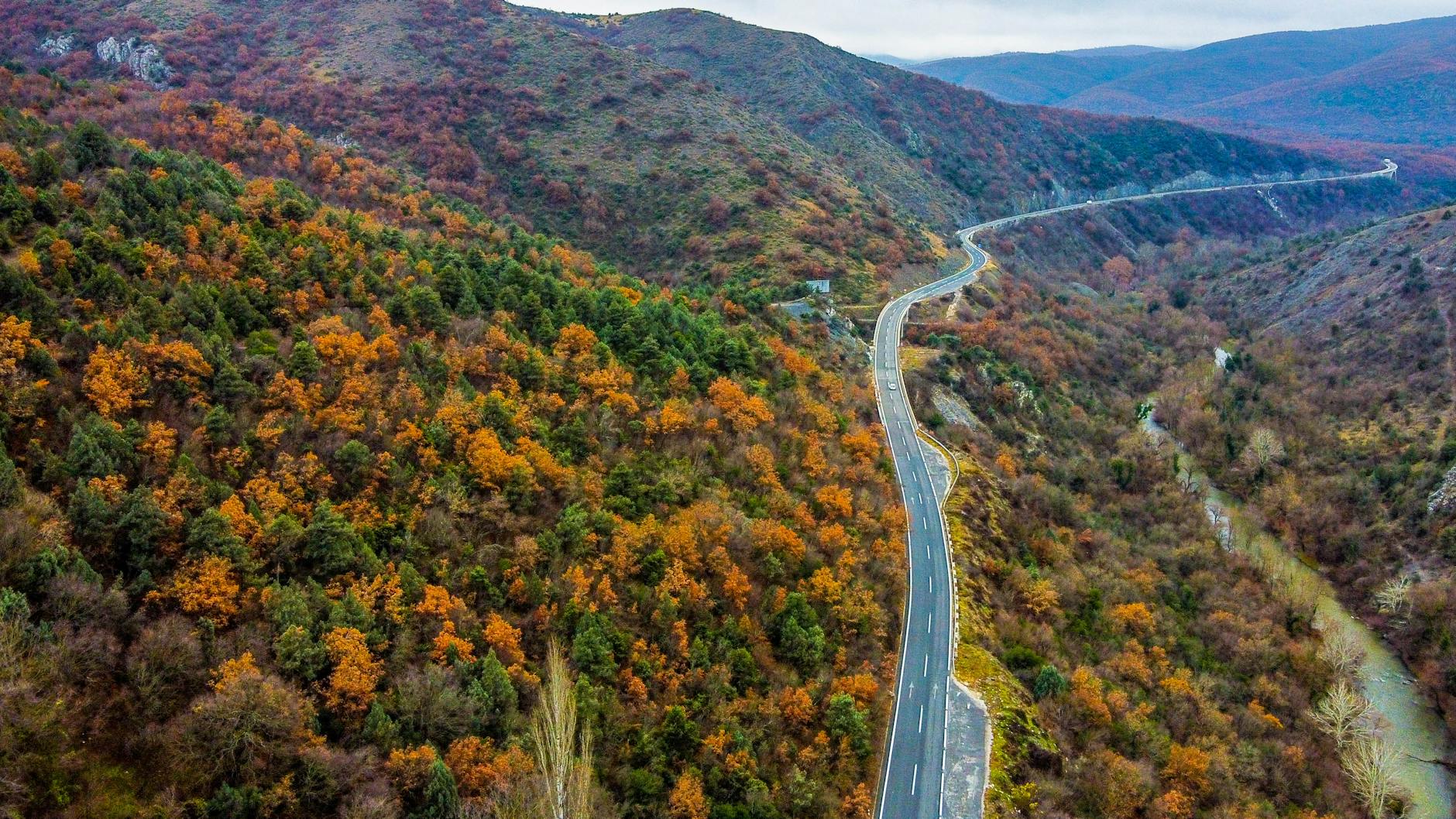
North Macedonia Maps & GPS: Google Maps vs HERE WeGo
Exploring North Macedonia by car is an incredible experience, but reliable navigation is key. This guide compares Google Maps and HERE WeGo, two popular GPS navigation apps, to help you choose the best option for your adventure, particularly when you 'Rent a Car Skopje Airport' and hit the road.
Which Map App is Best for Driving in North Macedonia? — Rent A Car Skopje Airport
Both Google Maps and HERE WeGo offer robust navigation features, but cater to slightly different needs. Google Maps excels in real-time traffic data and points of interest, while HERE WeGo shines with offline map capabilities and more detailed road information in certain regions. For tourists who 'Rent a Car Skopje Airport', considering the infrastructure and potential for limited connectivity is crucial.
Google Maps: Strengths and Weaknesses
Strengths:
- Real-Time Traffic: Google Maps provides highly accurate, up-to-the-minute traffic information, allowing you to avoid congestion and estimate arrival times more precisely. This is especially helpful around Skopje's urban areas.
- Extensive POIs: A vast database of points of interest (restaurants, hotels, gas stations, attractions) makes it easy to find what you need.
- User Reviews & Photos: Benefit from reviews and photos submitted by other users, providing valuable insights into businesses and locations.
- Street View: Visualize your route with Street View imagery, useful for navigating unfamiliar areas and ensuring you’re heading in the right direction.
- Integration: Seamlessly integrates with other Google services, like Search and Calendar.
Weaknesses:
- Offline Maps Limited: While Google Maps offers offline maps, the download size can be significant, and the level of detail may not be as comprehensive as HERE WeGo.
- Data Usage: Requires a constant internet connection for optimal performance, which can be a concern in areas with spotty coverage.
- Accuracy in Rural Areas: While generally accurate, map data in more remote parts of North Macedonia might be slightly outdated compared to HERE WeGo.
HERE WeGo: Strengths and Weaknesses
Strengths:
- Superior Offline Maps: HERE WeGo’s core strength is its highly detailed and comprehensive offline maps. You can download entire regions for navigation without needing an internet connection.
- Detailed Road Information: Offers more detailed road information, including lane guidance and speed camera warnings (where available).
- Free Navigation: Provides free turn-by-turn navigation, even offline.
- Public Transportation Information: Includes public transportation schedules and routes in major cities like Skopje.
Weaknesses:
- Traffic Data Less Accurate: Real-time traffic information is not as accurate or up-to-date as Google Maps.
- Fewer POIs: The database of points of interest is smaller than Google Maps.
- Interface: Some users find the interface less intuitive than Google Maps.
Comparing Key Features
Here's a table summarizing the key differences:
| Feature | Google Maps | HERE WeGo |
|---|---|---|
| Offline Maps | Yes (limited detail) | Yes (detailed) |
| Real-Time Traffic | Excellent | Good |
| Points of Interest | Extensive | Moderate |
| Data Usage | High | Low (offline) |
| Interface | Intuitive | Less intuitive |
| Speed Camera Warnings | Limited | Yes (where available) |
How to Plan Your Route and Stay Safe
When 'Rent a Car Skopje Airport', consider these tips for safe and enjoyable driving in North Macedonia:
- Download Offline Maps: Regardless of which app you choose, download offline maps of the regions you plan to visit. This is especially important for exploring national parks and rural areas.
- Check Speed Limits: Be aware of speed limits: 50 km/h in city areas, 80 km/h on rural roads, and 130 km/h on motorways. Speed cameras are present, especially around Skopje.
- Green Card: Ensure your rental car has a Green Card (Zone 1 & 2) for travel across borders.
- Road Conditions: Road conditions can vary significantly. Expect some potholes and uneven surfaces, particularly on smaller roads. Always drive cautiously.
- Parking: Parking in Skopje city centre can be challenging. Look for designated parking areas and be mindful of parking regulations.
What is the Best Map App for North Macedonia?
The 'best' app depends on your priorities. If you need real-time traffic updates and extensive points of interest, Google Maps is likely the better choice. However, if offline navigation and detailed road information are paramount, especially for exploring less-travelled areas, HERE WeGo is the superior option. Many drivers find it beneficial to use both apps – Google Maps for urban navigation and HERE WeGo for remote areas.
Why Consider Offline Maps in North Macedonia?
North Macedonia's mobile data coverage can be unreliable in certain areas, particularly in mountainous regions and national parks like Mavrovo. Offline maps ensure you can navigate even without an internet connection – vital for safety and peace of mind. Consider a 'Rent a Car Skopje Airport' with a data plan as a backup.
When Should You Use a GPS Device?
While smartphone apps are convenient, a dedicated GPS device can be more reliable, especially in areas with poor mobile signal. However, ensure the device has up-to-date maps.
Best Practices for Navigation
- Mount Your Device Securely: Use a car mount to keep your device visible and avoid distractions.
- Program Your Destination Before Starting: Enter your destination before setting off to avoid fumbling with your phone while driving.
- Listen to Voice Navigation: Pay attention to voice instructions and don't rely solely on the visual map.
Frequently Asked Questions (FAQ)
Q: Do I need a data plan to use Google Maps? A: While Google Maps can be used offline, many features like traffic information and live updates require a data connection. A data plan is recommended for optimal performance.
Q: Is HERE WeGo free to use? A: Yes, HERE WeGo offers free turn-by-turn navigation, both online and offline. Some premium features may require a subscription.
Q: What’s the best way to download offline maps? A: In both Google Maps and HERE WeGo, go to the map area you want to download and select the option to download offline maps.
Q: Are speed cameras clearly marked on the maps? A: HERE WeGo often provides speed camera warnings, but availability varies by region. Google Maps provides limited information on speed camera locations.
Q: Can I use both apps simultaneously? A: Absolutely! Many drivers use Google Maps for traffic information and HERE WeGo for offline navigation, combining the strengths of both apps. Relax Rent a Car Skopje Airport has operated since 2001 from Alexander the Great Airport (SKP), serving travellers across North Macedonia and the Western Balkans.